Building a transcription career takes more than skill. It takes the right knowledge at the right moment, and systems that actually work in the real world. Our books and tools were written and designed by working court transcribers who have been exactly where you are.
Whether you're just getting started or have been doing this for years, what you'll find here is practical, specific, and built for this field. No fluff. No generic advice. Just the resources we wish were available when we were first starting out in this field.
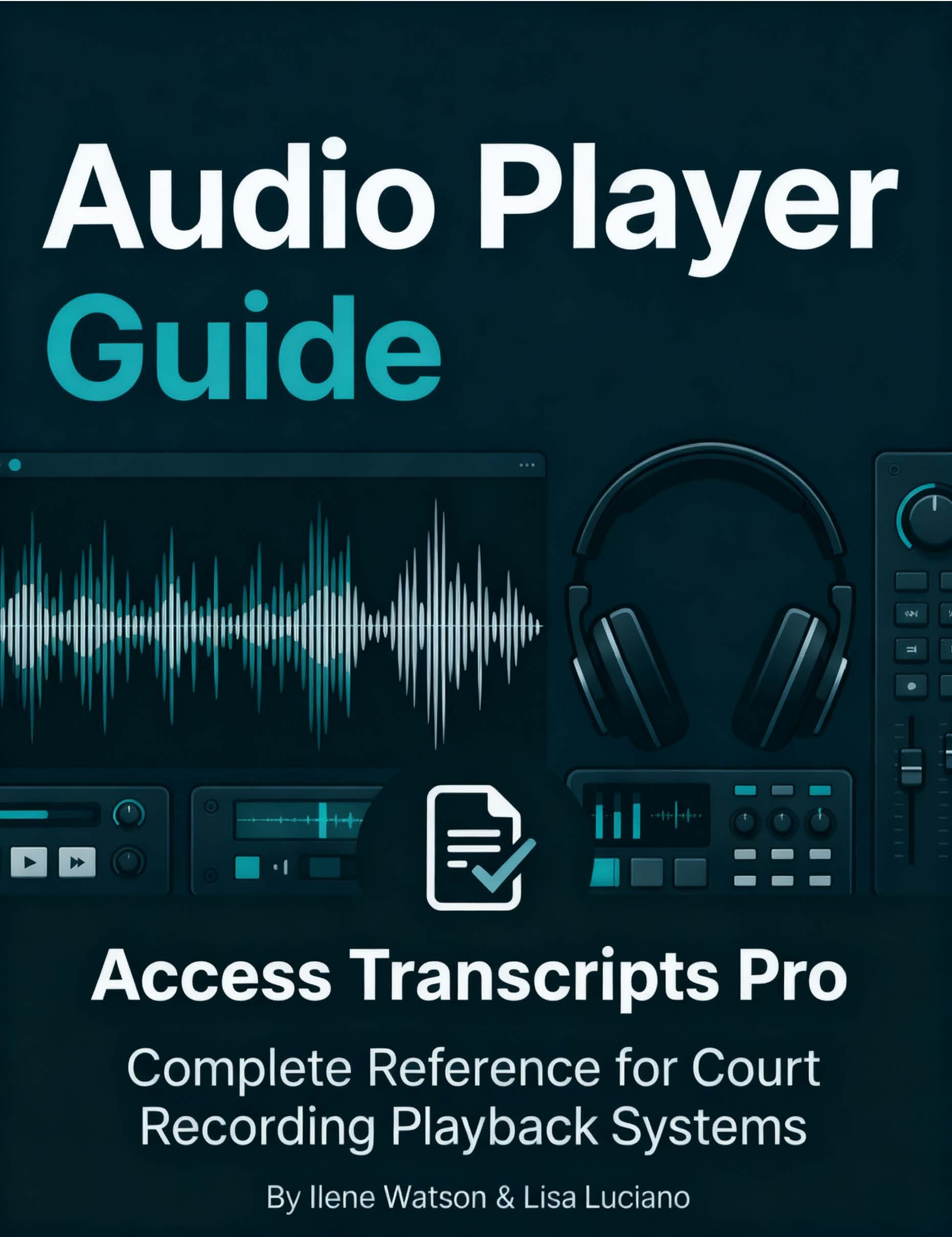
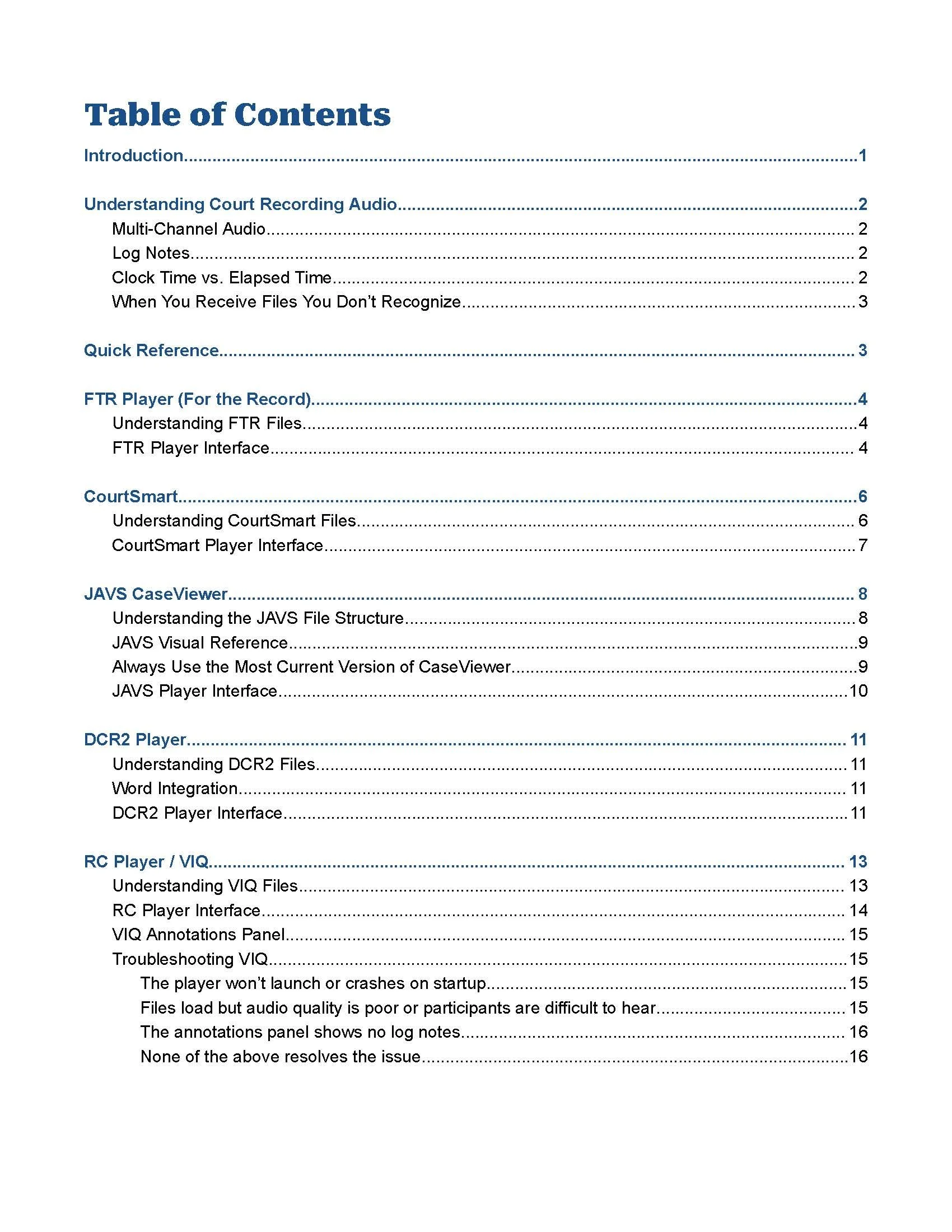
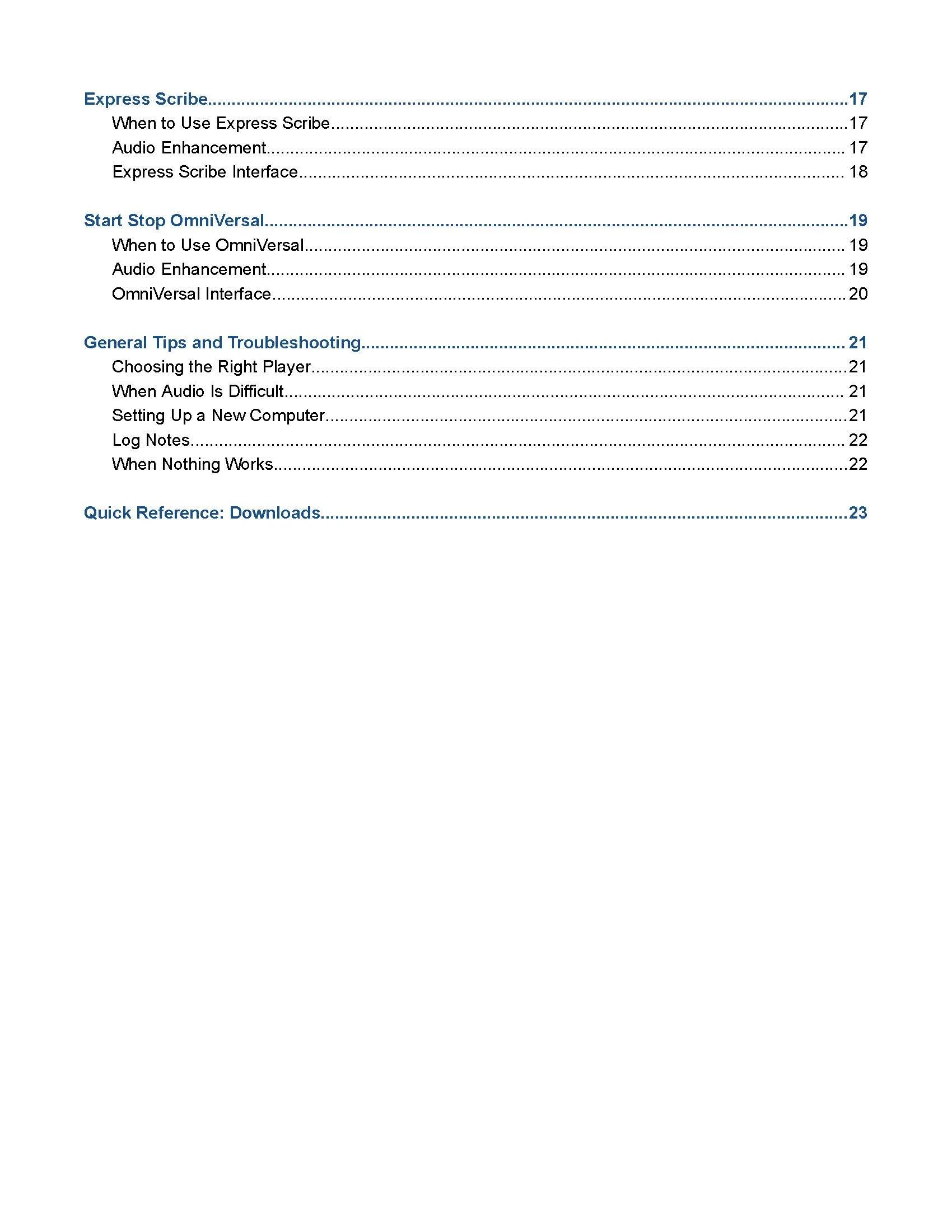
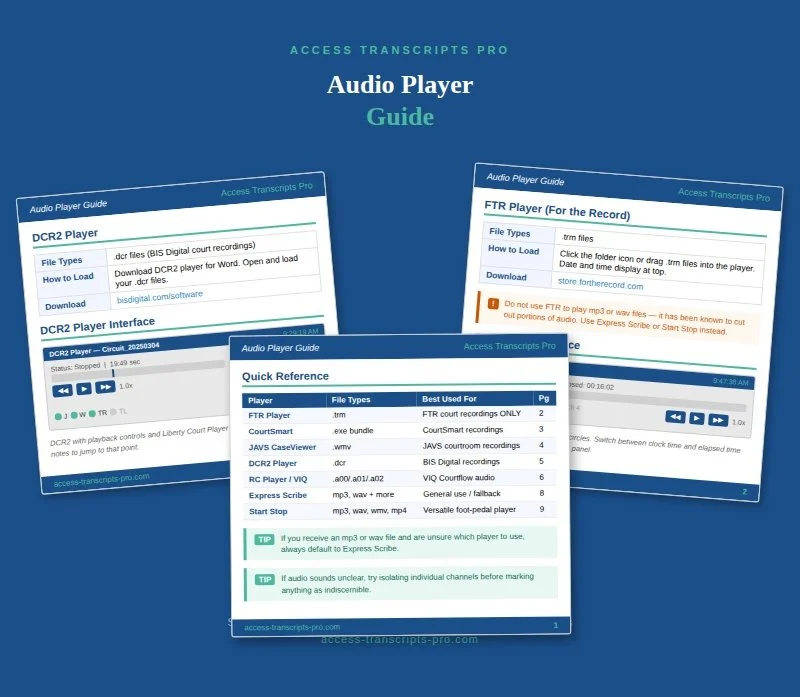
Never waste time Googling which player to use again.
The Audio Player Guide is a comprehensive reference covering the seven most commonly used court recording playback systems in courts around the country. Whether you're just getting started or you're a seasoned transcriptionist who's tired of troubleshooting file formats, this guide gives you everything you need in one place.
Each player section includes the file types it supports, step-by-step instructions for loading your audio, full interface screenshots so nothing looks unfamiliar, direct download links for the audio player, if applicable, and tips and warnings from professionals who have worked with these systems firsthand.
Covers: FTR Player, CourtSmart, JAVS CaseViewer, DCR2 Player, RC Player/VIQ, Express Scribe, and Start Stop OmniVersal.
Delivered as a downloadable PDF that you can keep on your desktop or print out and keep at your workstation for quick reference.
A shared reference tool created by Access Transcripts Pro
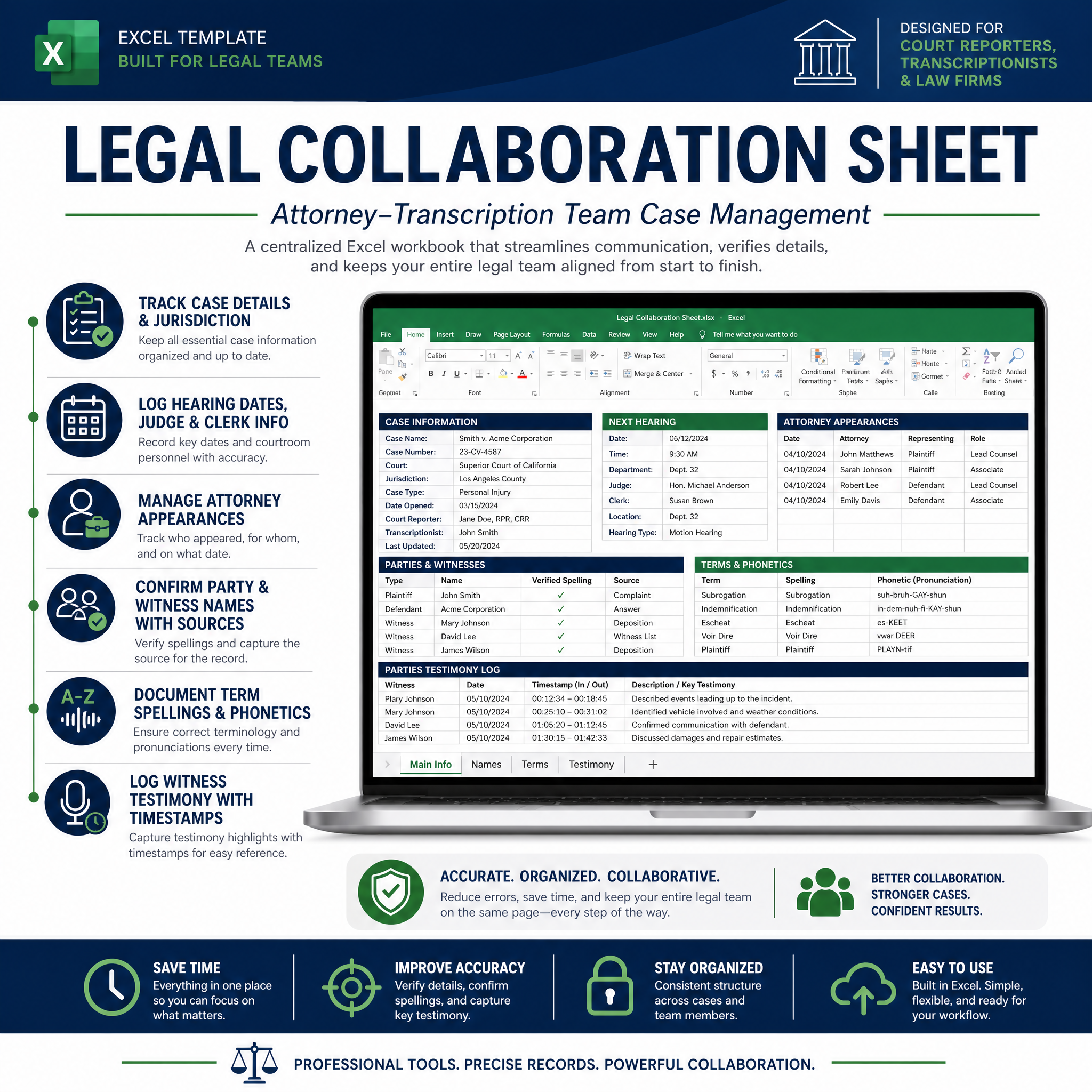
Whether you're managing a team of subcontractors or working solo across multiple hearing dates, keeping your case research organized and consistent is everything. When multiple transcriptionists are working the same case, inconsistent names, unverified terms, and duplicated research slow everyone down. This collaboration sheet gives you one organized, shared reference so everyone is working from the same information, every time. Upload it to Google Drive or any cloud platform and share it once, and from that point on, your whole team is on the same page.
What's inside:
Six tabs covering everything you need to stay coordinated on a complex case, from case-level details and attorney appearances to confirmed names, verified terms, phonetic notes, and a full witness testimony log.
Six tabs, built for teams and solo practitioners alike:
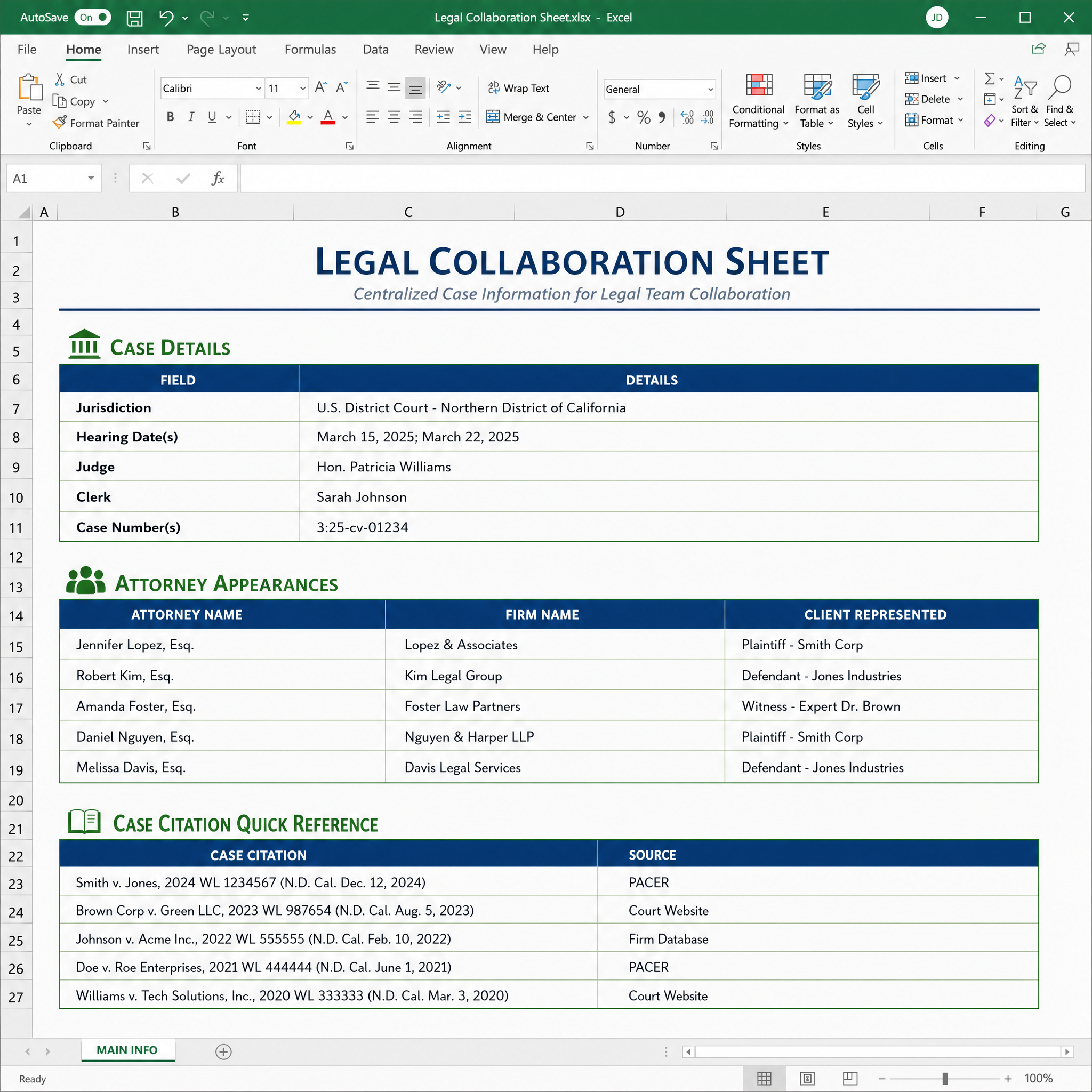
Main Info ~ Jurisdiction, hearing dates, judge, clerk, case numbers, attorney appearances, and key citations
Names ~ Confirmed parties and witnesses with required source documentation
Terms ~ Confirmed legal terms and non-party names, each with a verified source
Phonetic ~ Unconfirmed phonetic spellings for names and terms heard in the audio
Testimony ~ A witness log with dates, testimony type, examining attorneys, and timestamps
Instructions ~ Team ground rules and a how-to guide built right in
Compatible with Google Sheets and Microsoft Excel. Whether you're coordinating a team or managing a long-running case on your own, this tool keeps your research clean, consistent, and always within reach.
A professional productivity tool by Access Transcripts Pro
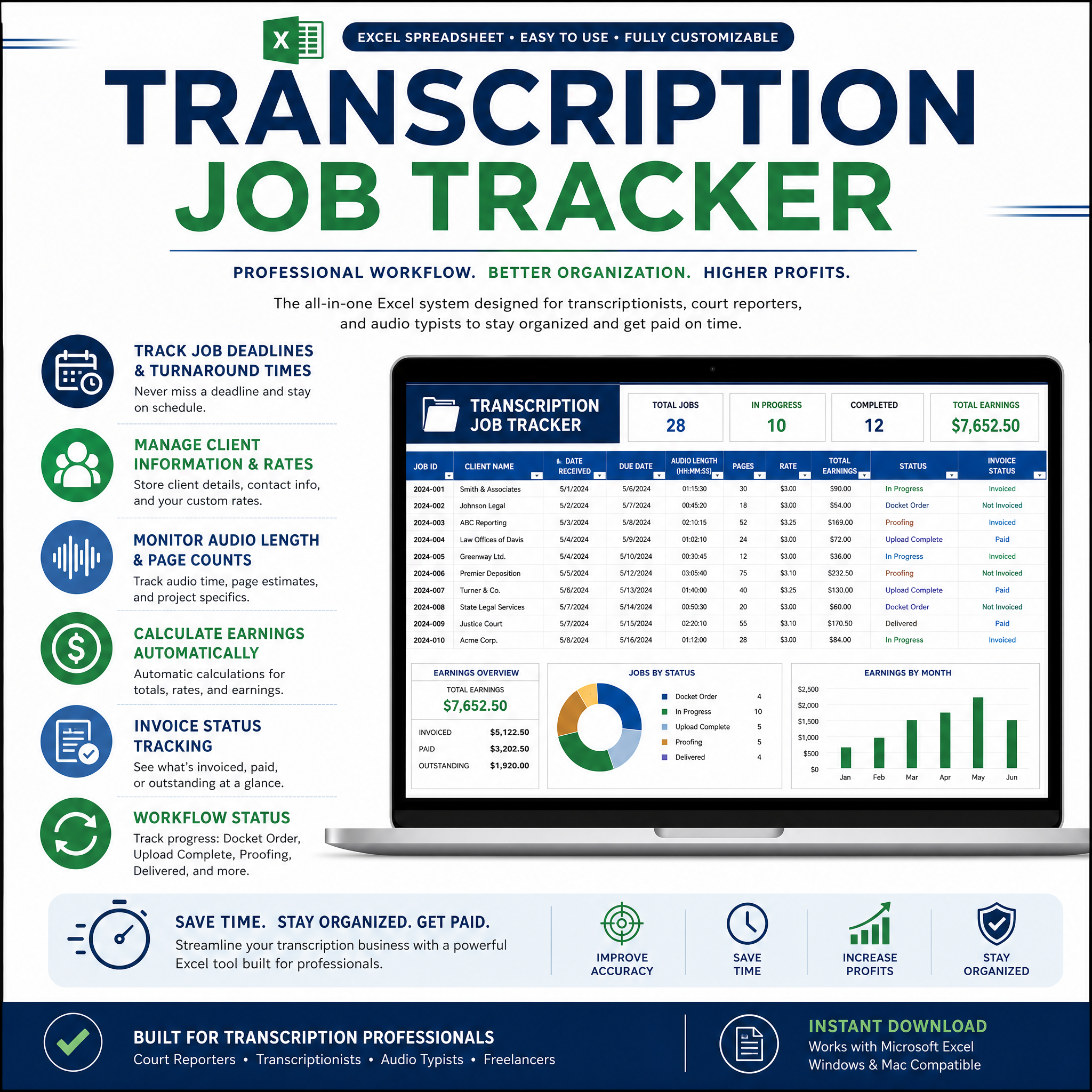
Stop tracking jobs in your head, or worse, a random Notes app. This spreadsheet was built specifically for court transcriptionists by two actively working, AAERT-certified practitioners with over 45 years of combined experience. It handles the business side so you can stay focused on the work.
What's inside:
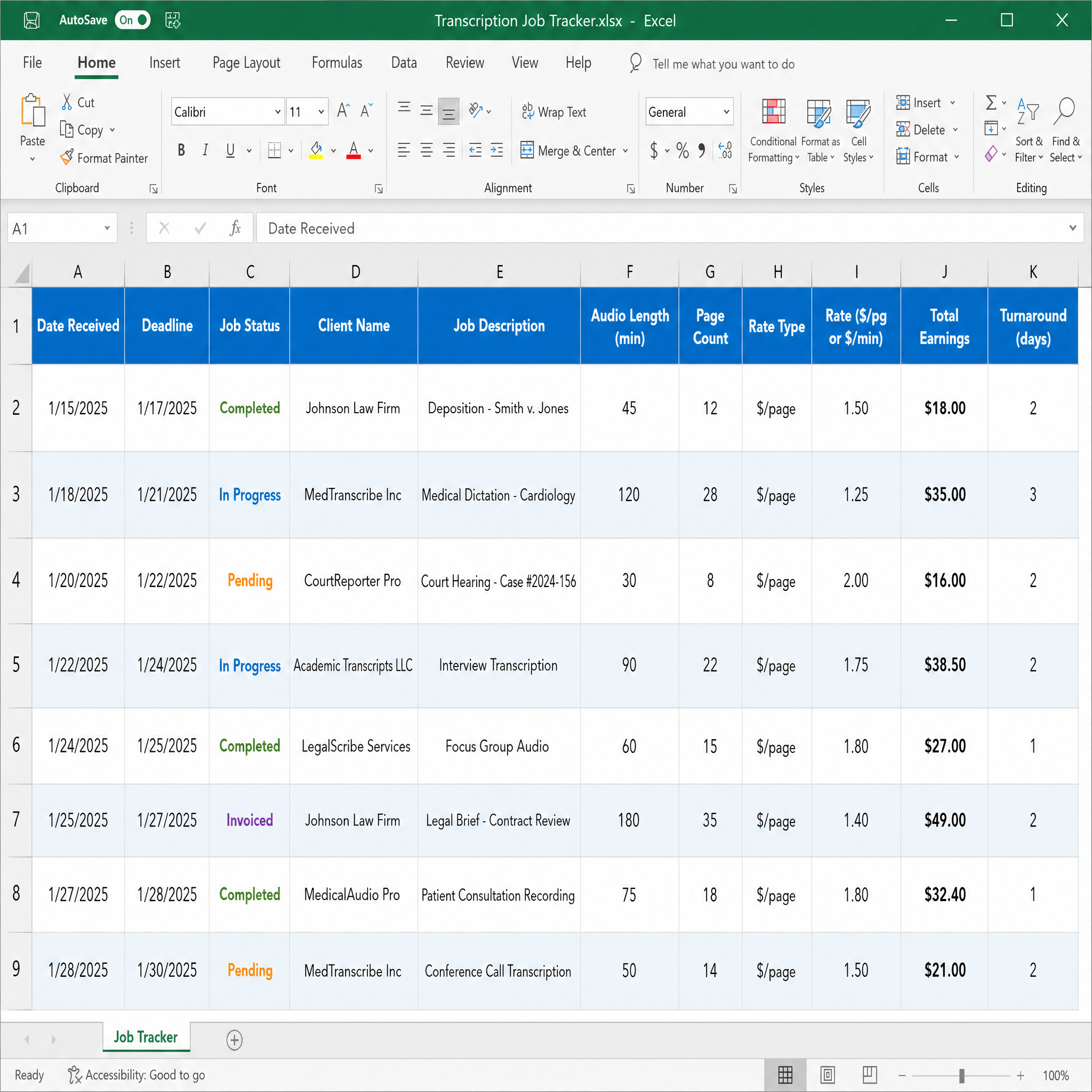
Log every job as it comes in, track earnings by the page or by the minute, monitor your invoice status, and watch your monthly income build automatically with no manual math required. Whether you have two clients or twenty, this tracker keeps you organized and in control.
Four tabs, ready to use:
Job Log ~ Your main working tab, with auto-calculated earnings and turnaround time
Client List ~ Store client details and keep your records consistent
Monthly Summary ~ Auto-totals by month so you always know where you stand
Instructions ~ A clear how-to guide so you're up and running in minutes
Compatible with Google Sheets and Microsoft Excel. Download once, use forever. Includes 50 job rows and 30 client rows that are expandable as you grow.
No results match your search. Try removing a few filters.
